
Creating Accessible PDFs eLearning
Reducing compliance risk through short scenario-based training
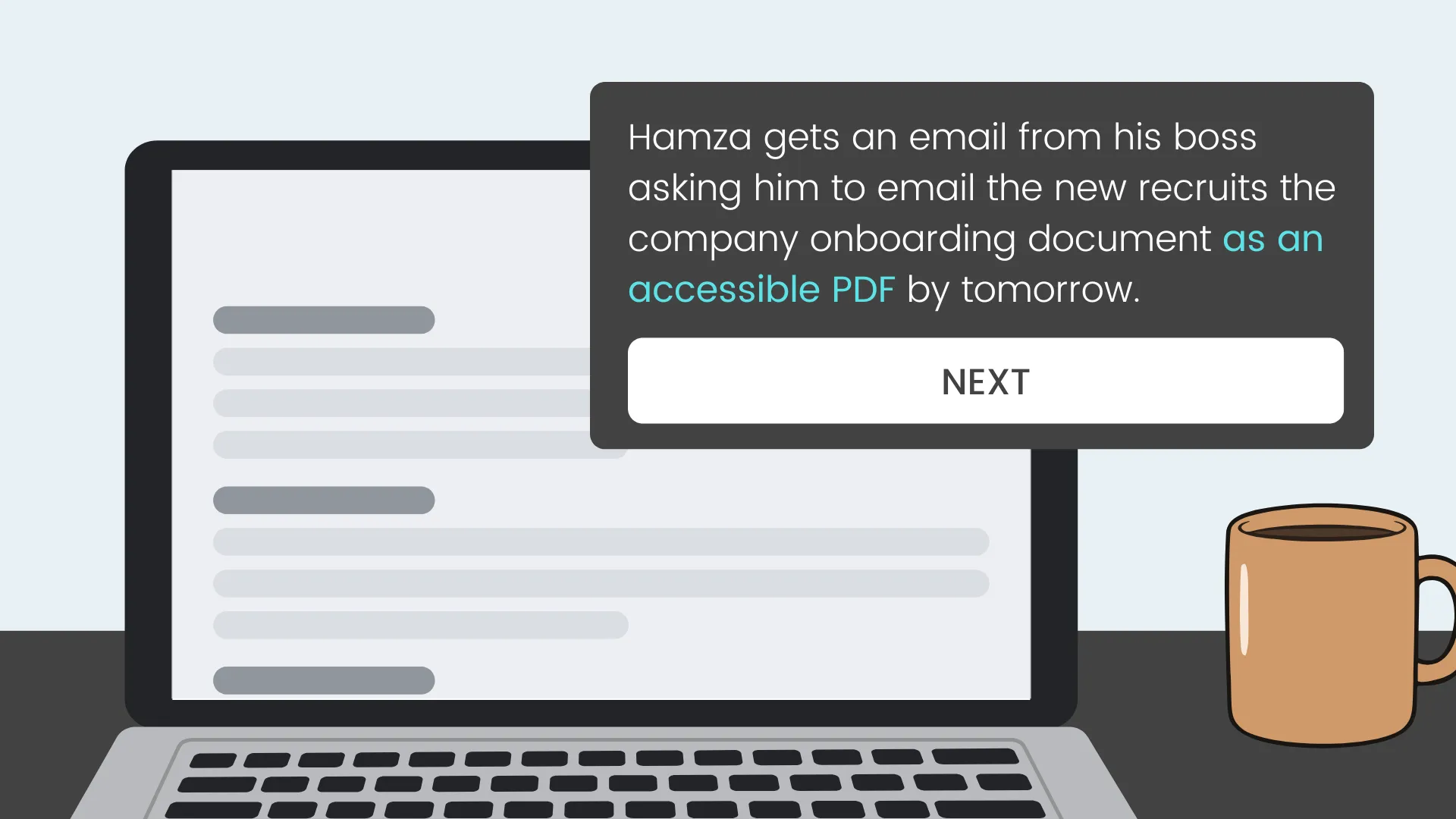
Target Audience: Employees working in business and organisations throughout the EU who routinely export PDFs
Responsibility: Instructional Designer and eLearning Developer
Tools Used: Canva Pro, Nano Banana 2, Claude AI, Webflow, MS Word, RAVBUG Code Visualizer
Deliverable: 15-minute scenario-based simulation demo
Time & Constraints: A 3 week deadline and budget constraints required efficient workflows and rapid prototyping using AI

Overview
Most PDFs in EU workplaces fail accessibility standards and employees don't know it
- 1 in 4 EU workers live with a disability.
- 67–88% of PDFs fail accessibility standards (BFSG requirement since June 2025).
- Result: Fines, frustration, and reputational risk.
This tracks with my own independent research and workplace experience. Research showed this issue is not a motivational issue, but an awareness and knowledge gap found throughout most workplaces.
A scenario that puts learners in the moment consequences become real
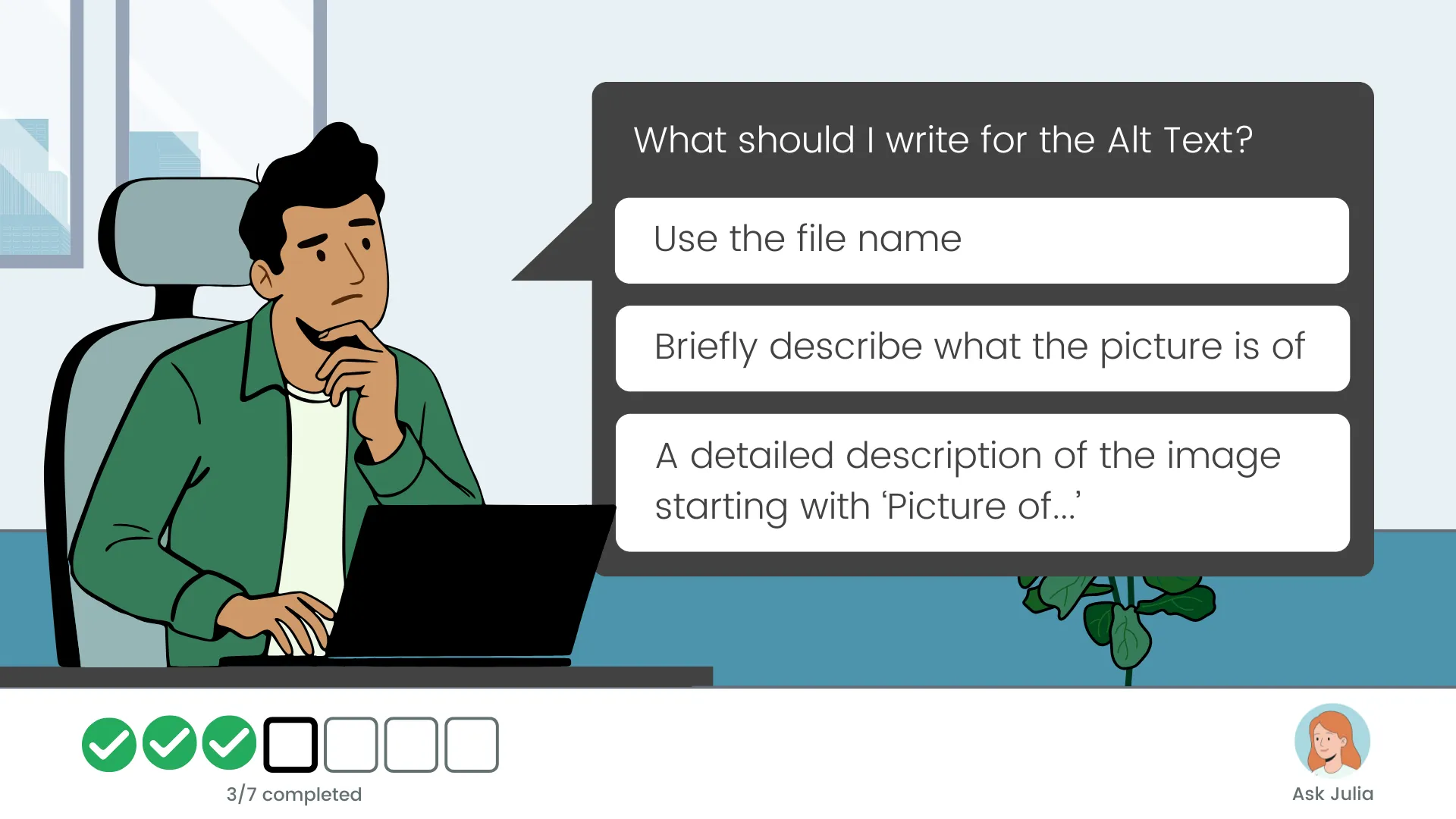
To address the awareness and knowledge gap, I designed a 15-minute scenario-based module where learners face real consequences for PDF accessibility decisions. It teaches core skills (alt text, headings, reading order) and reinforces learning through recovery opportunities.
It focuses on one behavioural shift: consistently checking and applying accessibility tags before export.
Starting with the behaviour, not the content
I started with what employees needed to do differently and worked backwards from there. Action mapping forced every design decision through a single filter: does this sustainably change what someone does at work to achieve the business goal?

Design
Eight behaviours stood between learners and compliance
Together with the SME we created an action map for the demo story to ensure that all actions align with achieving the main goal:
Business Goal: Reduce inaccessible PDFs to under 20% within 6 months, mitigating compliance risk and avoiding rework.
Measurement & Accountability: An accessibility lead will sample PDFs monthly, share results, and return non-compliant documents for correction within 48 hours.
Observable Actions Learners Must Demonstrate After Training Module
* Select font size and style that supports readability and accessibility standards
* Add meaningful alt text and decide which images and non-text elements are informative vs descriptive
* Structure content with semantic headings
* Correctly format lists and decide between bullets or numbers
* Write meaningful text links
* Run accessibility checks before distribution to confirm document readiness
* Export document as a PDF with "Document structure tags" option enabled
Storyboarding Hamza's journey to his first PDF/A

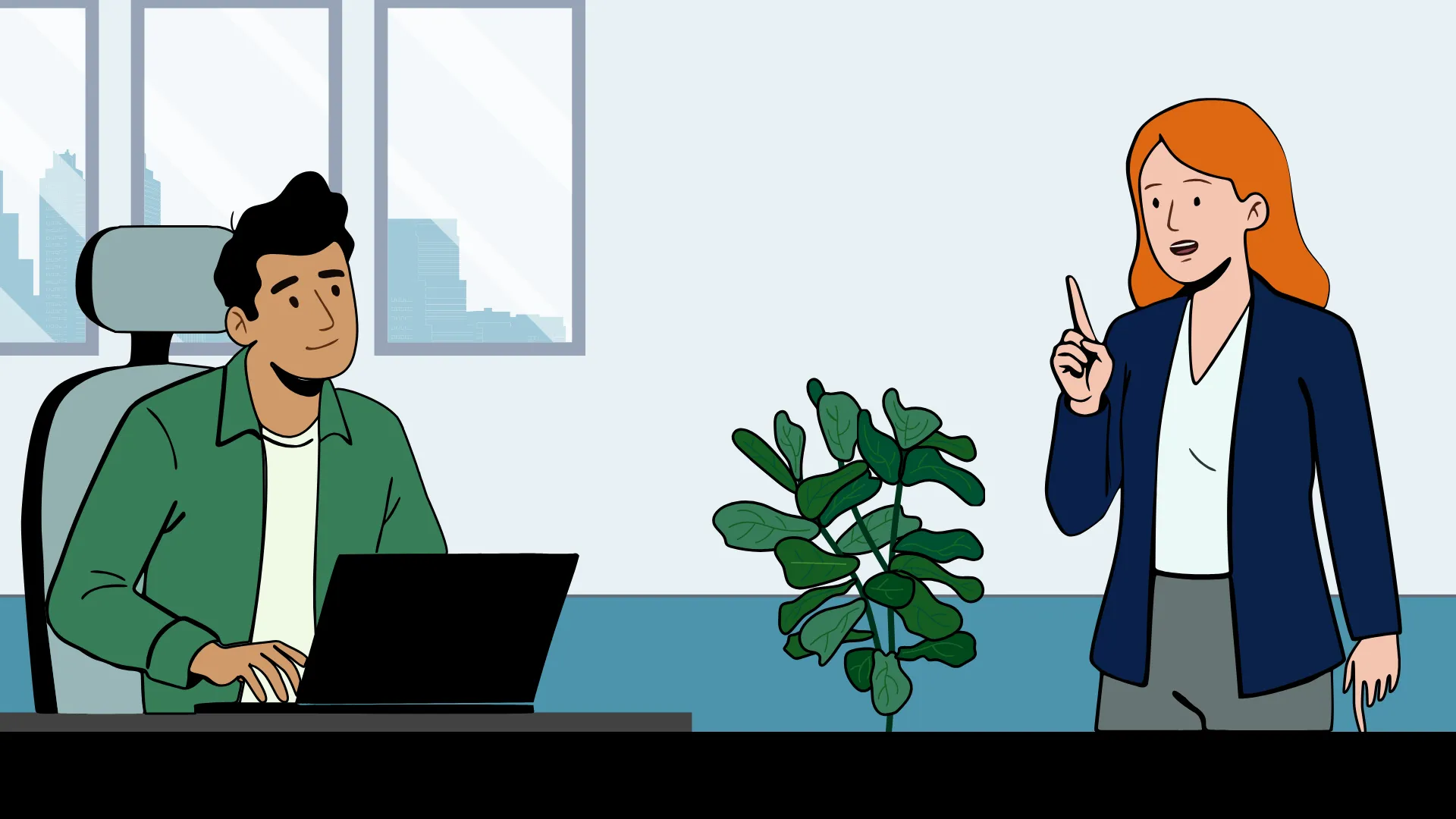
I worked with the HR SME to craft a realistic story around Hamza, an HR professional, who faces choices about PDF accessibility. Learners drive the scenario, make decisions, and experience consequences. Julia, Hamza's colleague, provides guidance for tough decisions. The module ends with an interactive hot spot quiz to reinforce recall of where the accessibility settings are in MS Word.

Development
Accelerating authoring through AI
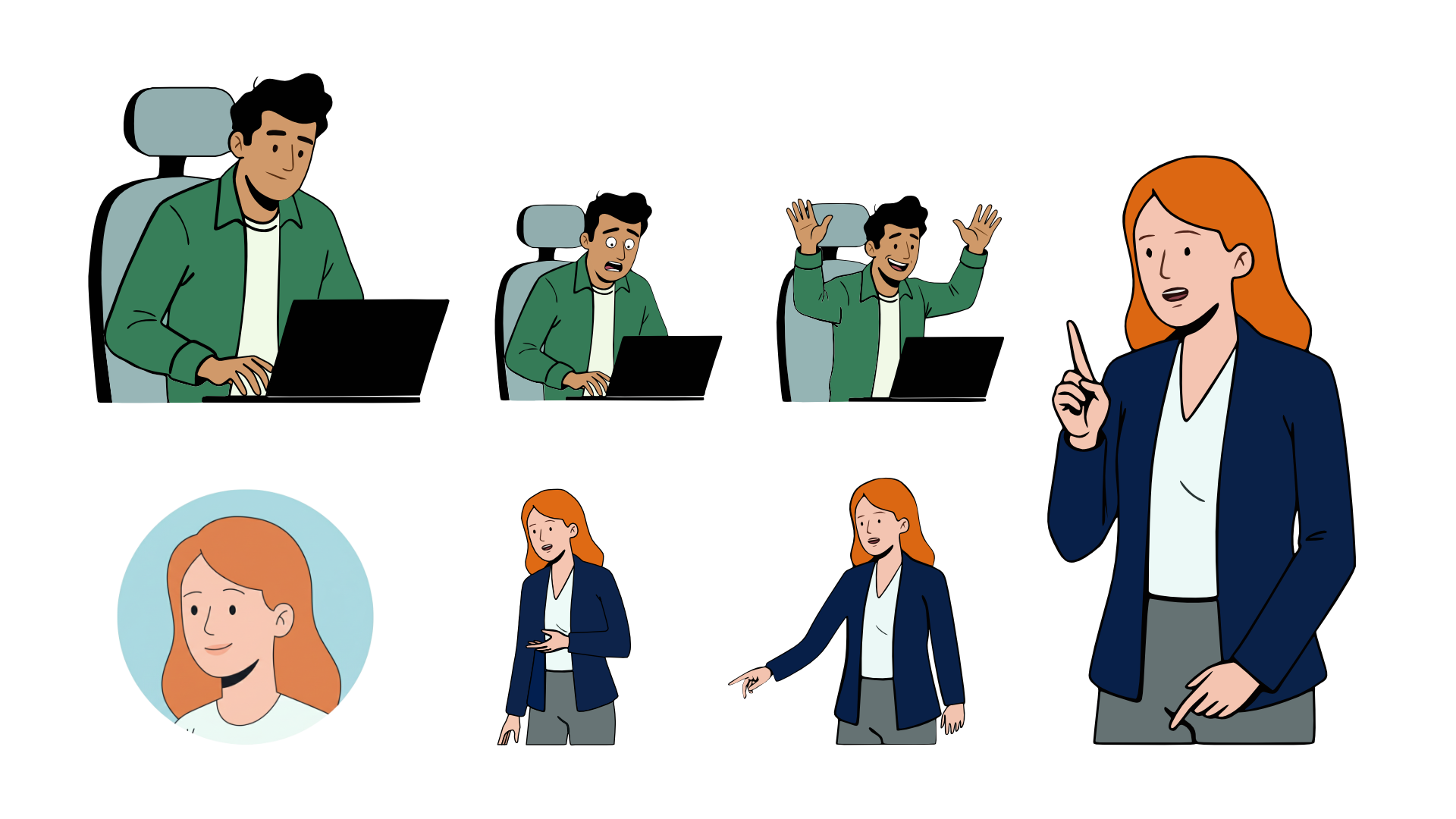
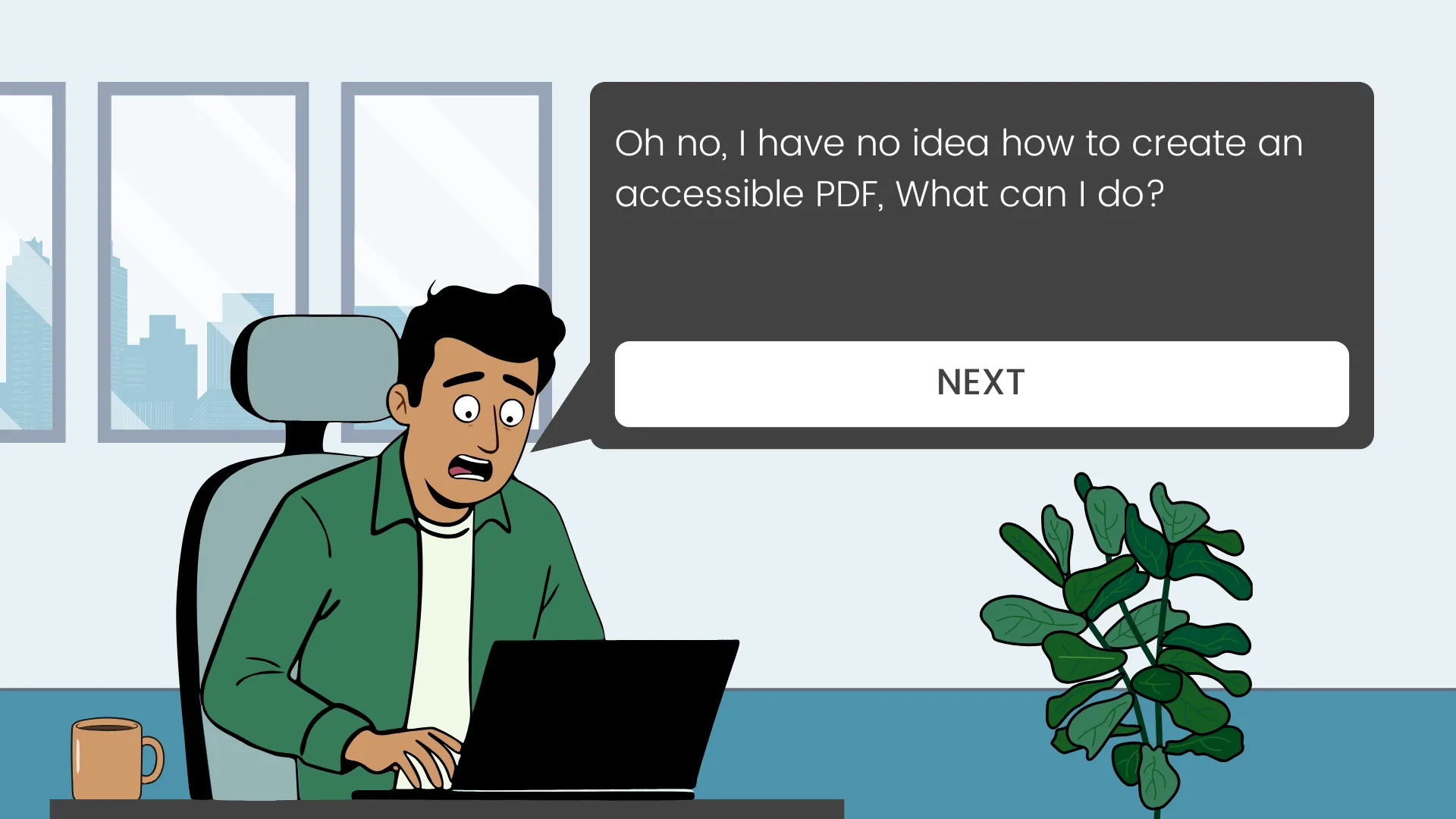
After finalizing the storyboard, I drafted the slide flow in Canva Pro and illustrated character positions using AI in Affinity Designer, based on a Nano Banana 2 illustration. To save time, the demo included only one of seven learning objectives: Alt Text. I used Claude AI to code the core HTML, CSS, and JS, then self-edited for styling. A custom-coded approach maintained design control and kept costs low.
Compromising initial vision for usability
I kept the design simple by default, however during iteration some compromises were needed for better usability:
- Changed the Julia avatar button to a "Julia’s Tip" button, revealing hidden text before the "Next" button for better screen reader and keyboard access.
- Replaced a fixed image ratio with stackable, responsive elements to avoid cropped/hidden information on mobile/tablet.
- Replaced a bottom bar with a collapsible side menu (hamburger icon for smaller screens) to improve screen reader navigation.

Results & Takeaways
Feedback
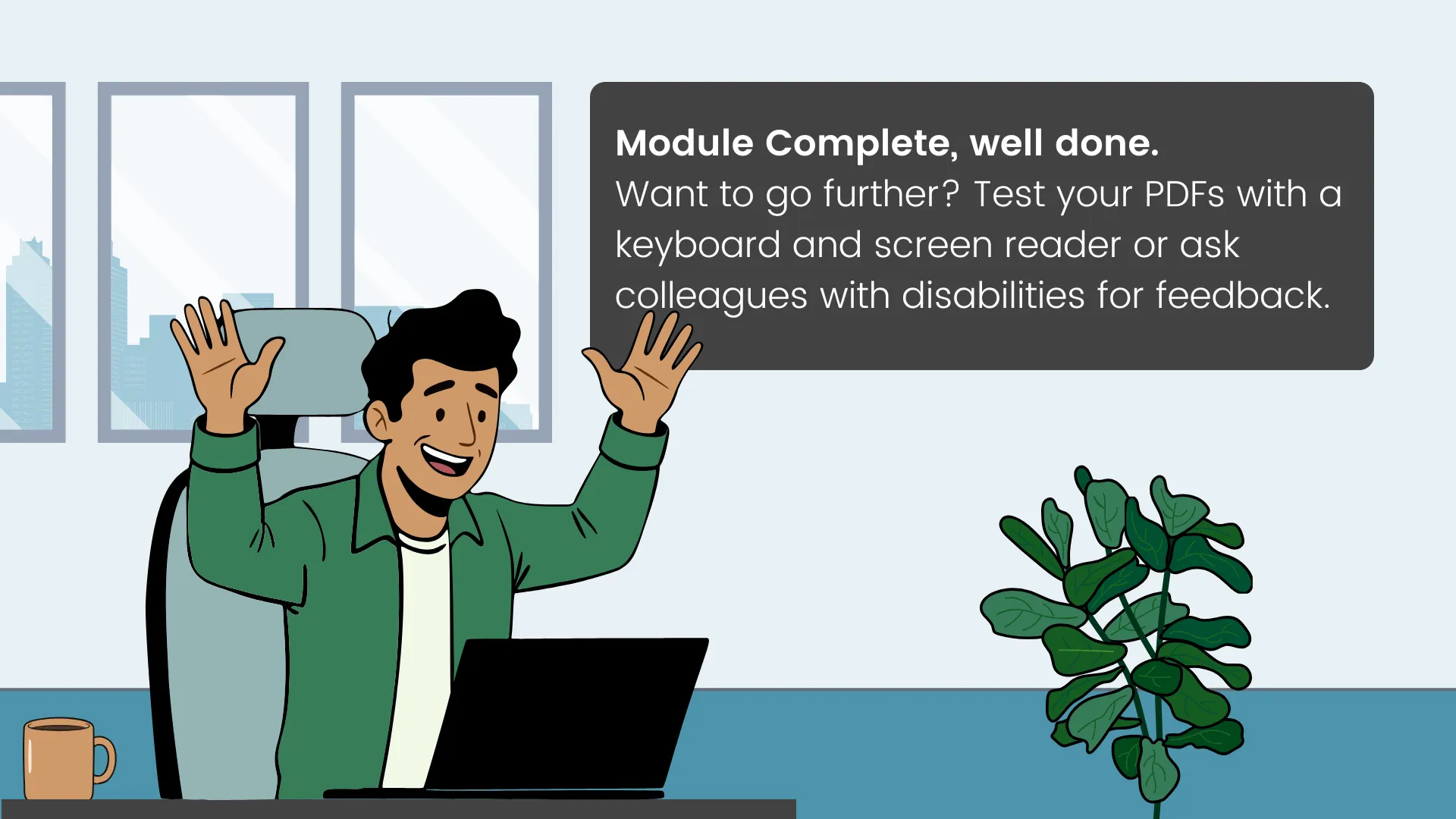
Five PDF exporters tested the demo. All completed it without assistance and within the predicted time. Testing revealed two minor issues: button placement caused hesitation, and one instruction was misread by two of the testers.
'I never knew you could add Alt Text in Word' - Lilja, Product Owner
'It could really benefit HR people. It’s detailed and engaging.' - Christina, HR SME
Hardest lesson learned AI often fails to enforce WCAG 2.2 AA standards—prompting must include these upfront.
Next Steps
To take this project further I would finish the remaining six scenarios and evaluate against the business goal. A satisfaction survey and a pre/post check on tagging, alt text and reading order would cover Kirkpatrick Levels 1 and 2. The level that counts is behaviour at work.
The action map already names the measure: the accessibility lead samples exported PDFs each month. Success is the inaccessible rate falling below 20% within six months. A quiz score cannot show that. A sampled compliance rate can.

You may also be interested in
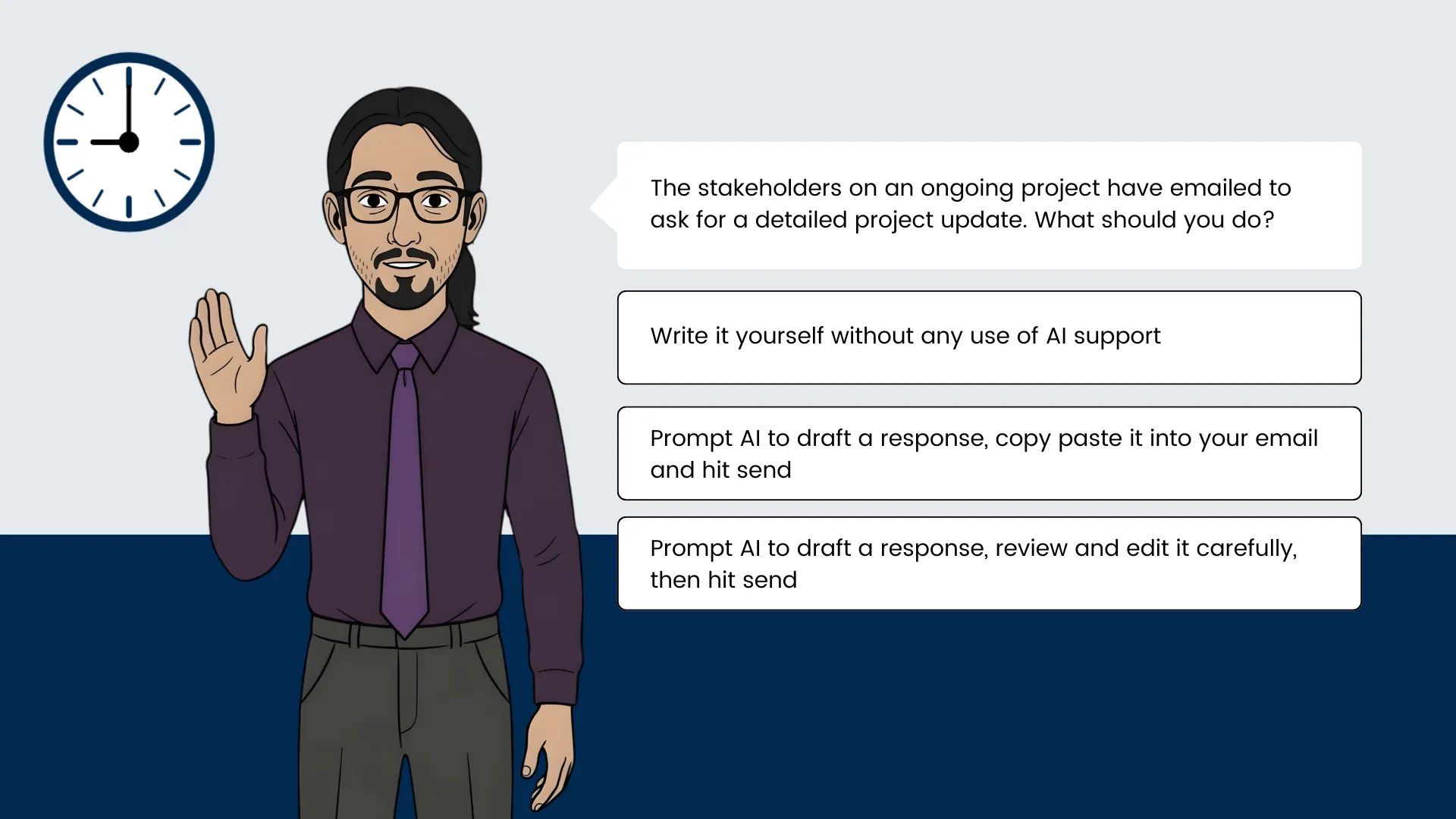
Offloading tasks onto AI at work
A blended learning intervention designed to move knowledge workers from occasional or no AI use to sustainable habit, combining scenario-based eLearning with in-the-flow-of-work challenges triggered at the moment of need.
Click the image to enter the case study or go straight to the demo via the button below (opens on a new tab).