eLearning and other design work showcase
eLearning demos, identity designs and creative illustrations

eLearning demo 1
Articulate Rise module on AI for work

Target Audience: Research and information services workers who have access to AI tools but are not using them either consistently, confidently or safely
Responsibility: Instructional Designer and eLearning Developer
Tools Used: Rise 360, Zapier, Canva Pro, Affinity Design, Claude AI
Deliverable: 3 phase blended learning intervention
Time & Constraints: 3 weeks and a low budget required efficient workflows and rapid prototyping using AI
The problem - Three groups, one gap
AI tool adoption across German workplaces is accelerating but uneven. After an open talk on AI at Göttingen's University Library, Daniel, an AI Researcher, shared with me three distinct groups that would benefit from AI training:
The avoiders have had little or no meaningful contact with AI tools. They risk falling behind professionally and represent a growing efficiency gap for their organisation.
The middle group use AI occasionally but without purpose or habit. They complete the same tasks the same way most of the time, with occasional and unproductive AI use that builds neither confidence nor skill.
The uncritical users engage with AI regularly but accept output without question. They carry real risk — compliance exposure, information security vulnerabilities and a gradual erosion of their own critical thinking.
We agreed to work together to form a training intervention that tackles the AI awareness and skills gap at his and other organisations.
The Solution - Designing for behaviour change
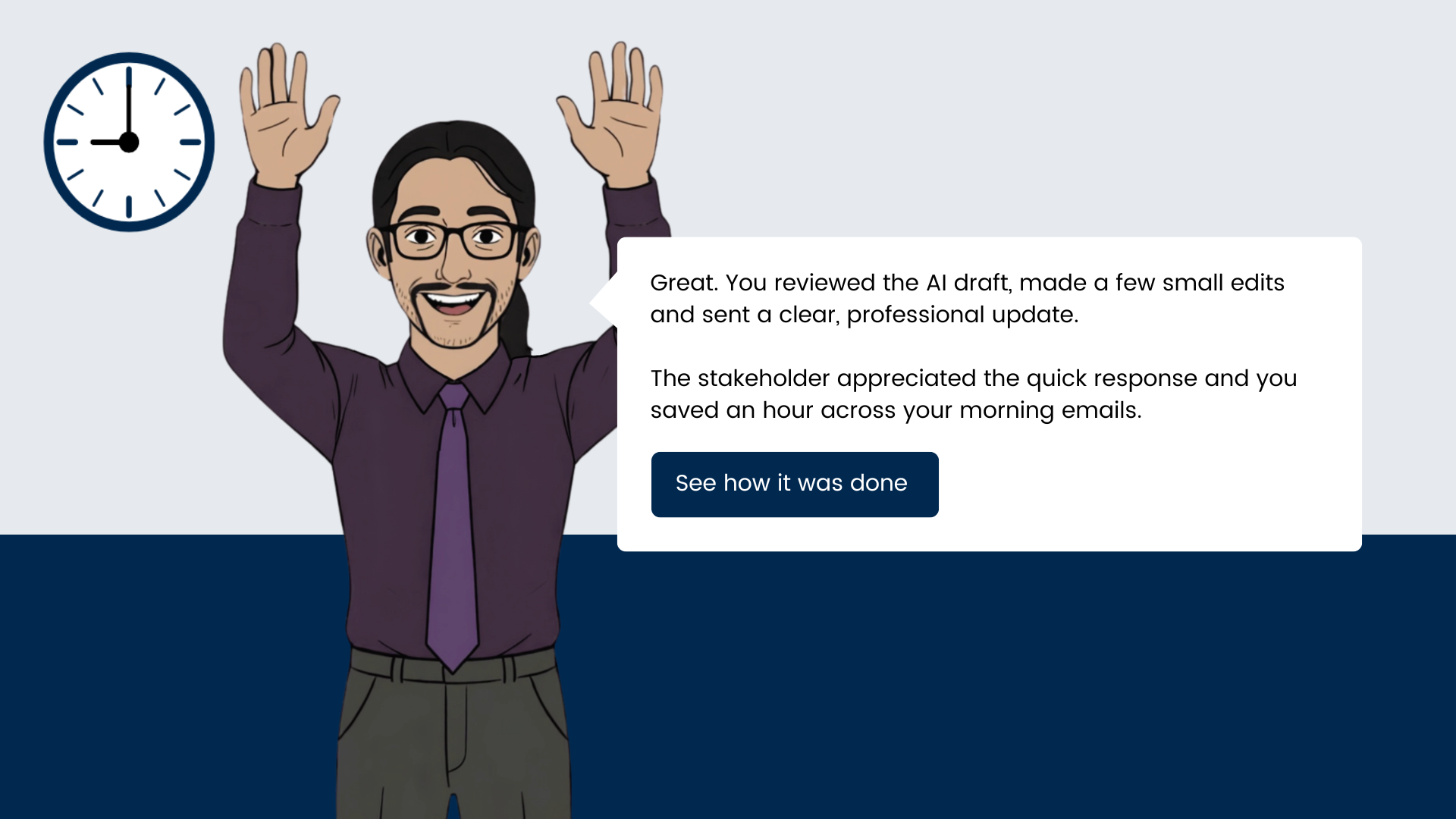
This project took a behaviour-first approach built around the COM-B model (Capability, Opportunity, Motivation) and frames the reasons, benefits and specific use cases of adopting AI for work tasks in three phases:
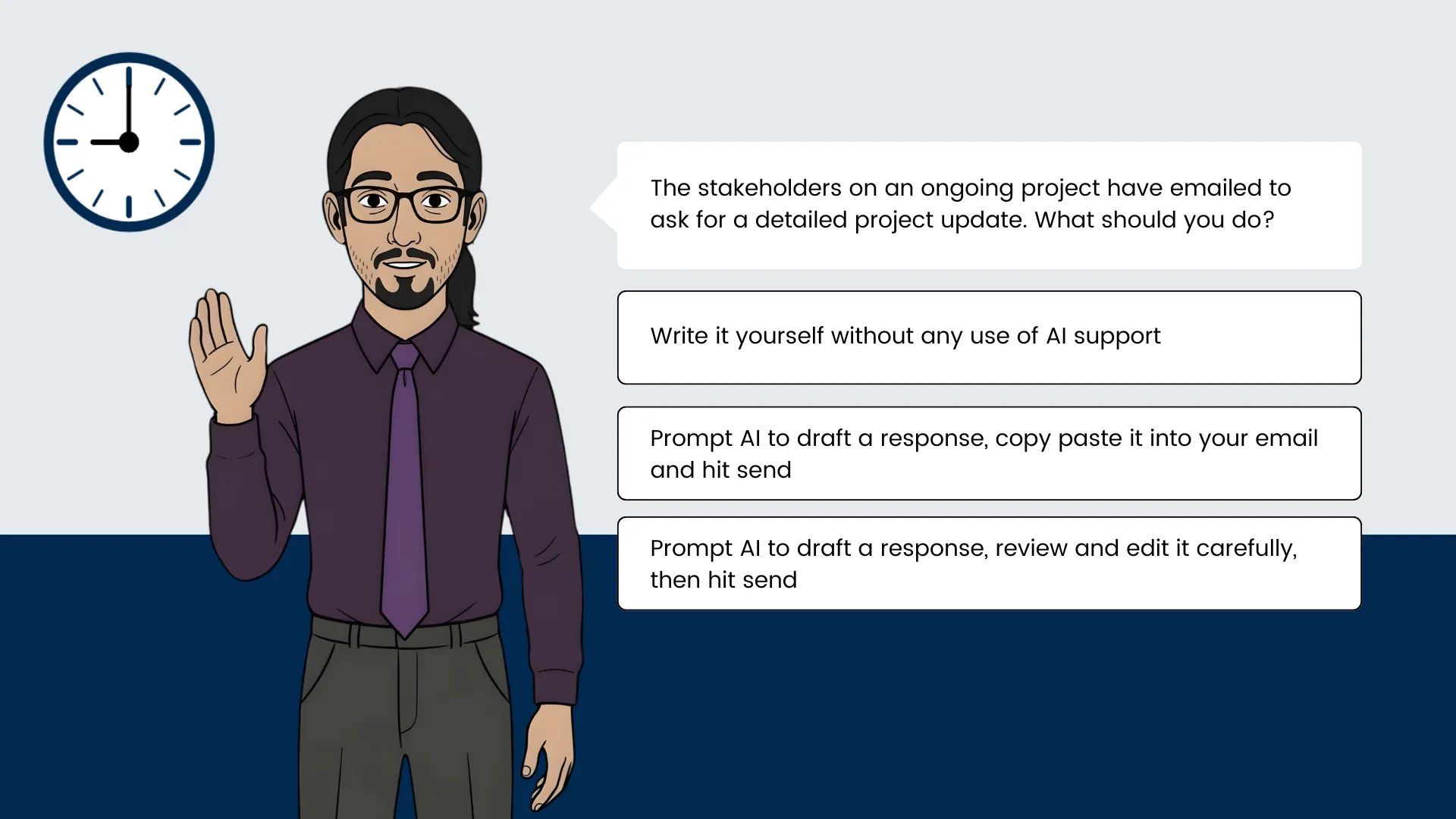
Phase 1 a short Rise 360 module to provide the capability and motivation. Learners completed three lessons on how AI can help with emailing, meeting preparation and project brainstorming. Learners finished the module having nominated a time and date to practice using AI with real upcoming tasks from their work calendar.
Phase 2 delivered support at the moment it was needed to provide real opportunity. An automated email reached the learner before each nominated task with a short knowledge check and a prompting guide timed to their actual workflow.
Phase 3 delivered a pulse check after two weeks by email to check they carried out their self-designated practice. Yes enrolles them onto the 2nd eLearning course that goes deeper into AI skills and use cases, No triggers a re-commitment prompt to re-schedule their in-the-flow-of-work practice.
eLearning demo 2
Fully coded module on creating accessible PDFs
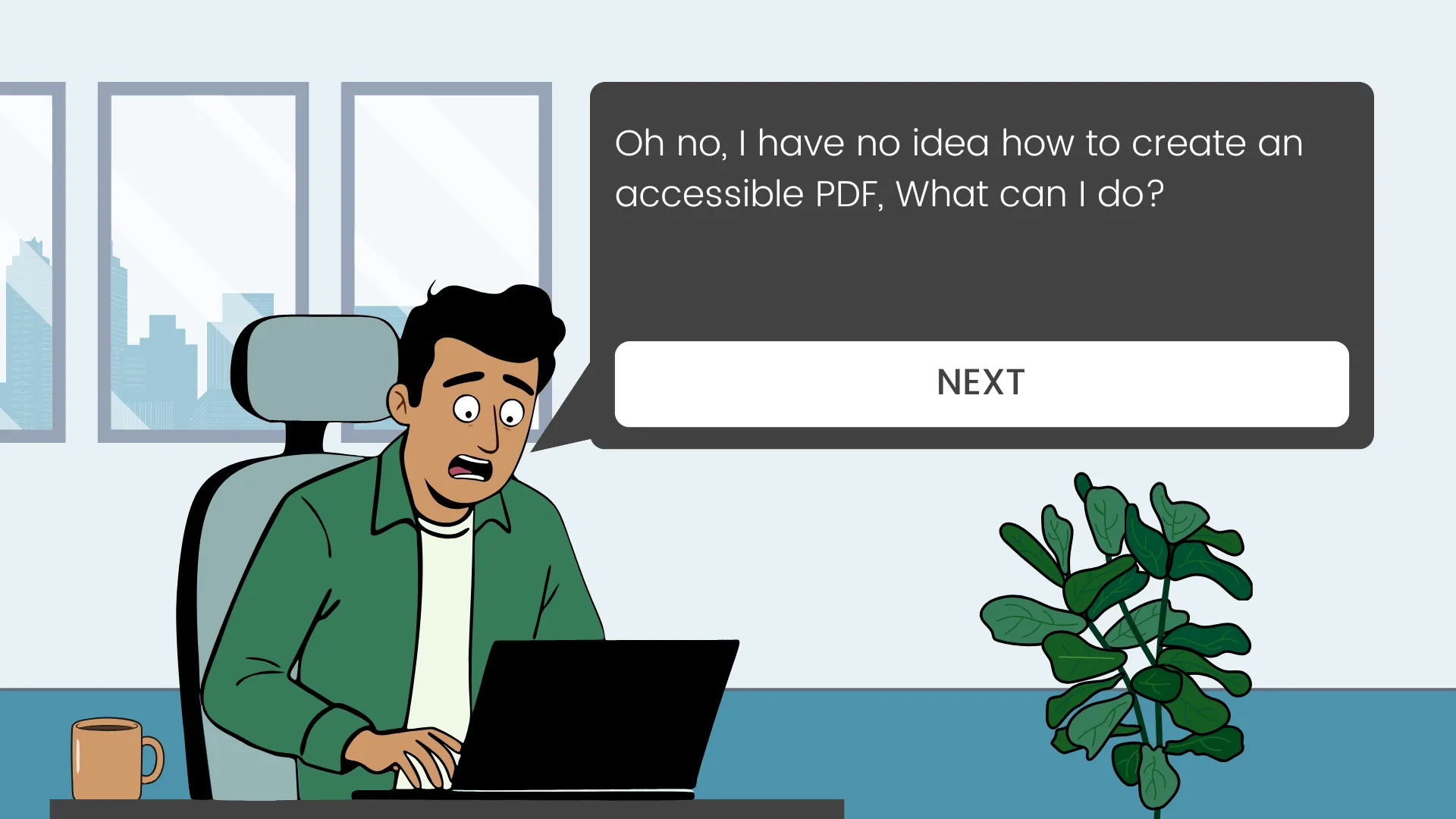
Target Audience: Employees working in business and organisations throughout the EU who routinely export PDFs
Responsibility: Instructional Designer and eLearning Developer
Tools Used: Canva Pro, Nano Banana 2, Claude AI, Webflow, MS Word, RAVBUG Code Visualizer
Deliverable: 15-minute scenario-based simulation demo
Time & Constraints: A 3 week deadline and budget constraints required efficient workflows and rapid prototyping using AI
The problem - Most PDFs fail accessibility standards
- 1 in 4 EU workers live with a disability.
- 67–88% of PDFs fail accessibility standards (BFSG requirement since June 2025).
- Result: Fines, frustration, and reputational risk.
This tracks with my own independent research and workplace experience. Research showed this issue is not a motivational issue, but an awareness and knowledge gap found throughout most workplaces.
A scenario that puts learners in the moment consequences become real
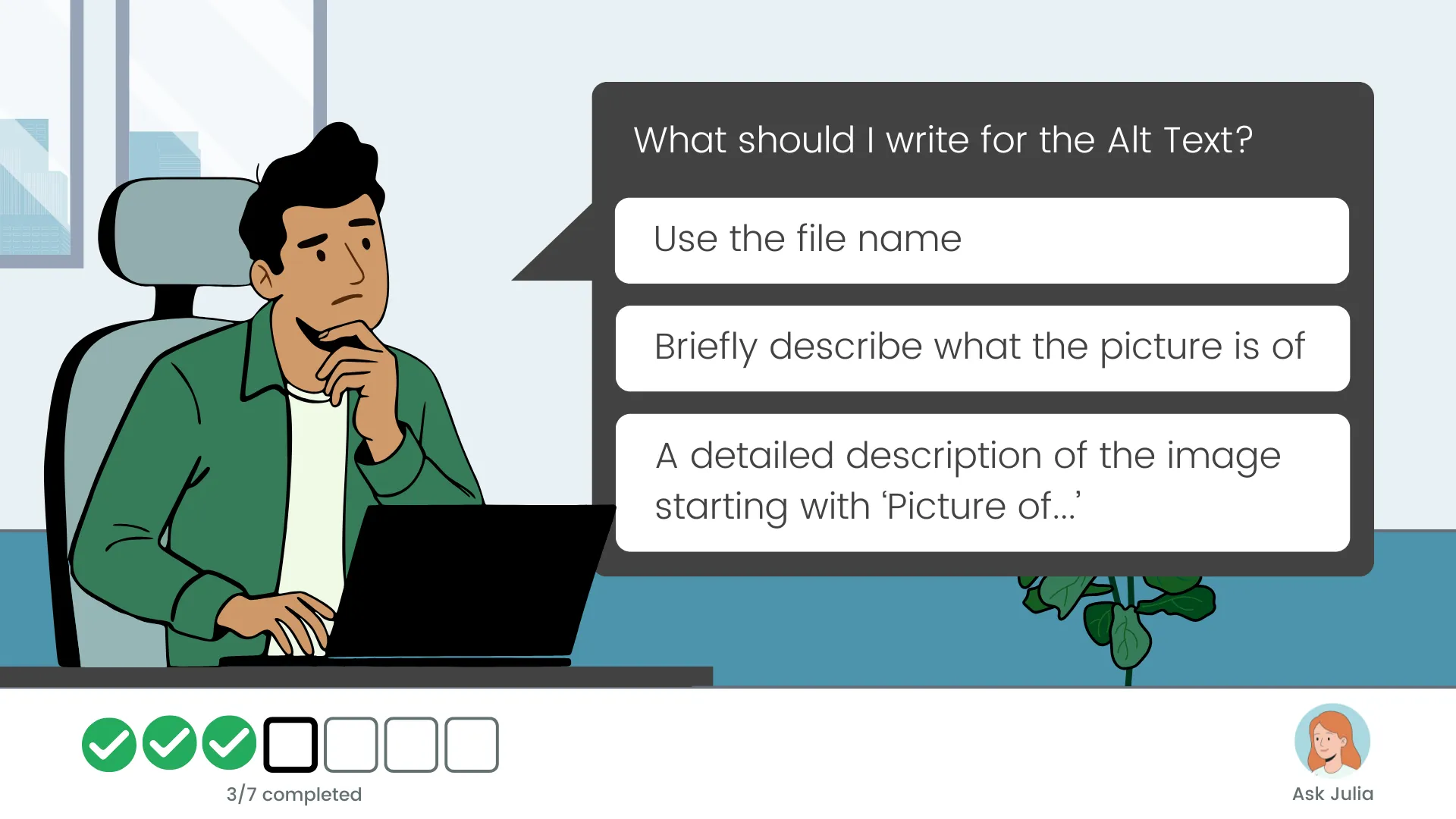
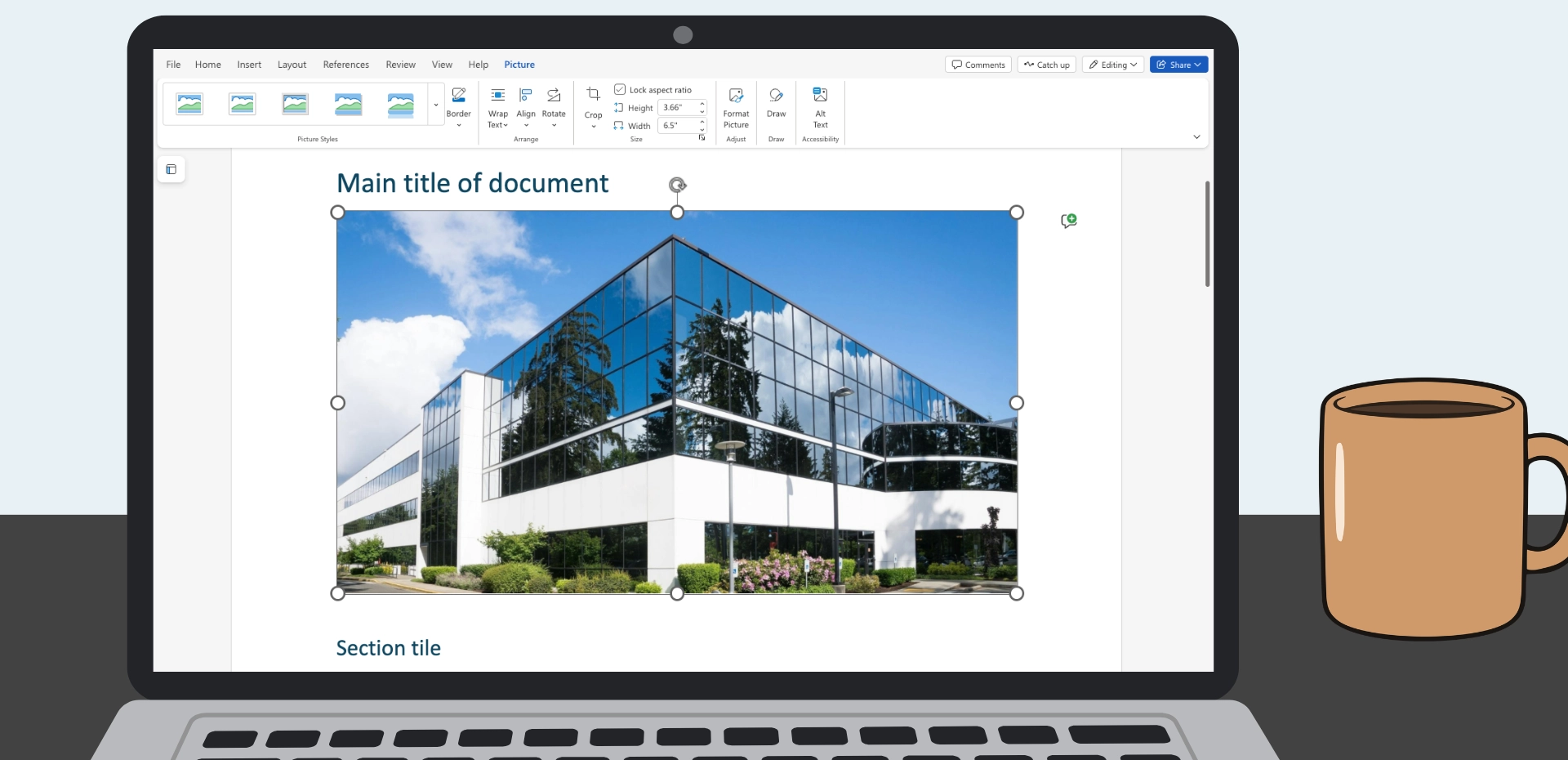
To address the awareness and knowledge gap, I designed a 15-minute scenario-based module where learners face real consequences for PDF accessibility decisions. It teaches core skills (alt text, headings, reading order) and reinforces learning through recovery opportunities.
It focuses on one behavioural shift: consistently checking and applying accessibility tags before export.
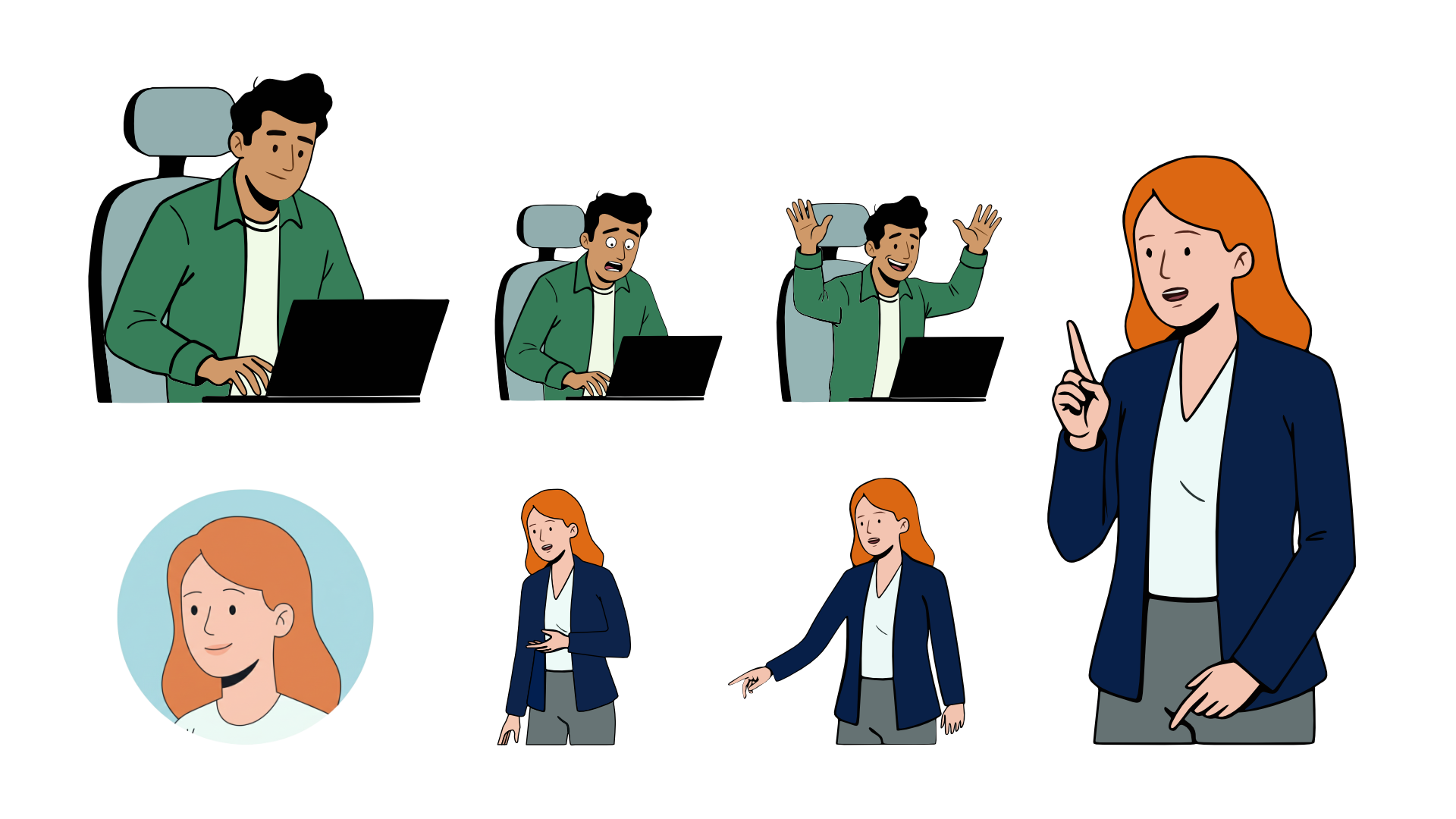
After finalizing the storyboard, I drafted the slide flow in Canva Pro and illustrated character positions using Affinity Designer, based on a Nano Banana 2 drafted illustration. To save time, the demo included only one of seven learning objectives: Alt Text. I used Claude AI to code the core HTML, CSS, and JS, then self-edited for styling. A custom-coded approach maintained design control and kept costs low.
Branding







Illustrations