This really helped a lot. Craig was so quick, respectful of our time and the report is really clear and actionable. Thank you. - Lilja Sautter, SUB Göttingen.
Usability & Accessibility Audit
Process and reasoning behind two SUB Göttingen project website UX audits
Audience
Developers, product owners and project managers at SUB Göttingen
Responsibility
Project meetings, usability analysis, accessibility analysis (WCAG 2.1 AA), audit reporting and UX design
Tools Used
Figma, WAVE, Chat GPT, Affinity Design, Pages, Google Chrome dev tools, Silktide chrome extension
Project Links
TIDO Text Viewer and the beta version of the BIAS - database website
Problem, Solution & Approach
The problem
SUB Göttingen’s digital texts open source platforms (BIAS database and TIDO text viewer) support academic research but presented usability and accessibility barriers that risked:
- * Excluding users with impairments and digital access needs
- * Reducing search efficiency and task completion
- * Increasing support and training costs at a later date
Primary users: students, researchers, scholars and staff
Business impact: slower research workflows and potential legal risk under EU accessibility regulations
Scope & constraints
Included
* Expert review of desktop and mobile breakpoints
* Primary user flows
* Accessibility checks covering contrast, interactions, semantics, reading order, etc.
* Prioritised, developer‑ready recommendations
Excluded (by design)
* No primary user testing (either already conducted or not provided due to budget constraints)
* No implementation or visual redesign (although some was included when appropriate)
This kept the work fast, cost‑effective, and actionable for internal teams who primarily use Agile SCRUM workflows without UX or design teams.
My Approach
For both website audits I took a similar approach, which started with a sit down meeting with Lilja Sautter, Product Owner, to get some context on the project, what state they are at, what is the key goal of the website etc.
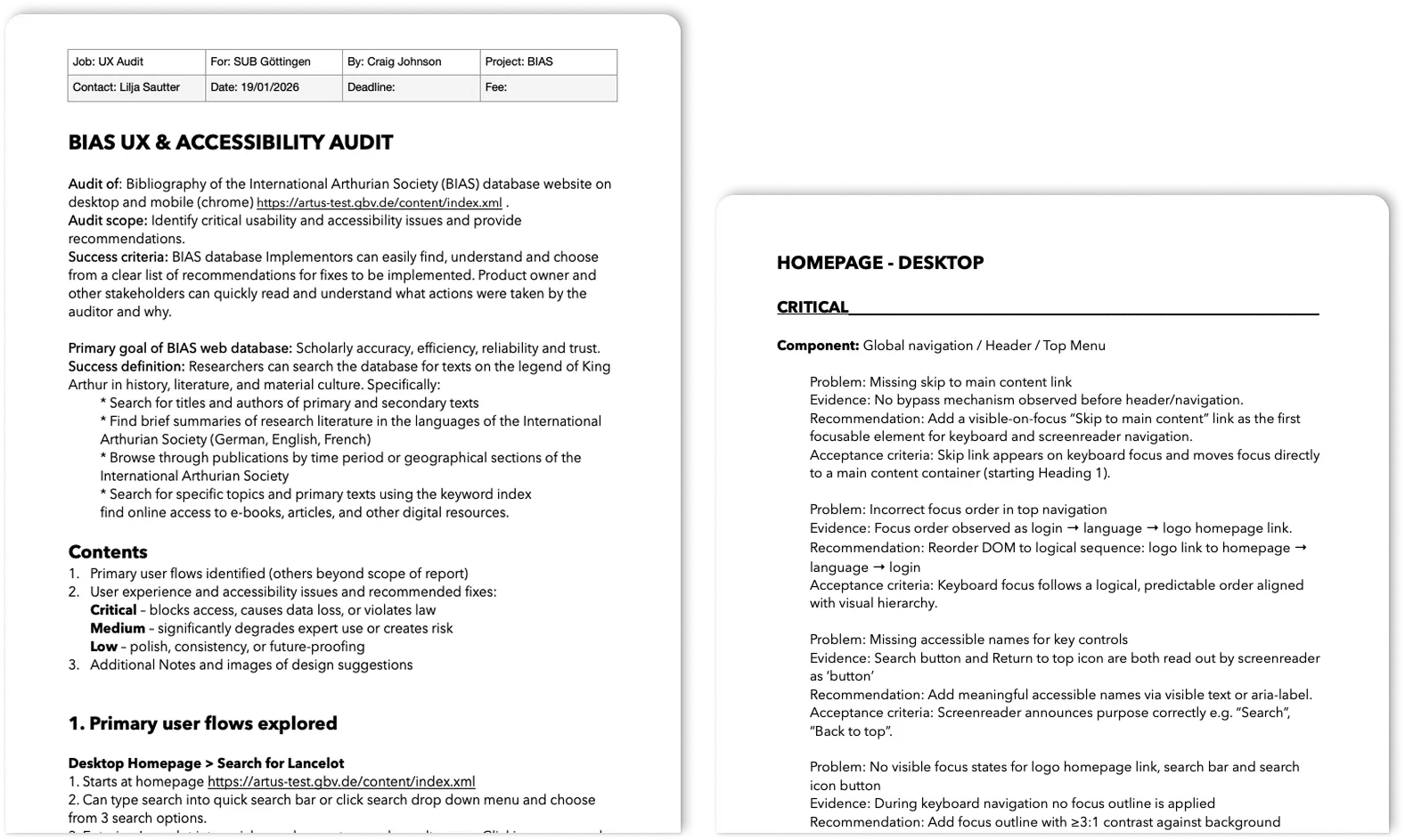
The audit was conducted using both automatic and manual checking and navigated using mouse, keyboard and a screen reader.
The reports were written to be easy to read and comprehendible by all stakeholders and developers. This included:
Top 3 Findings
1. Discoverability & Efficiency
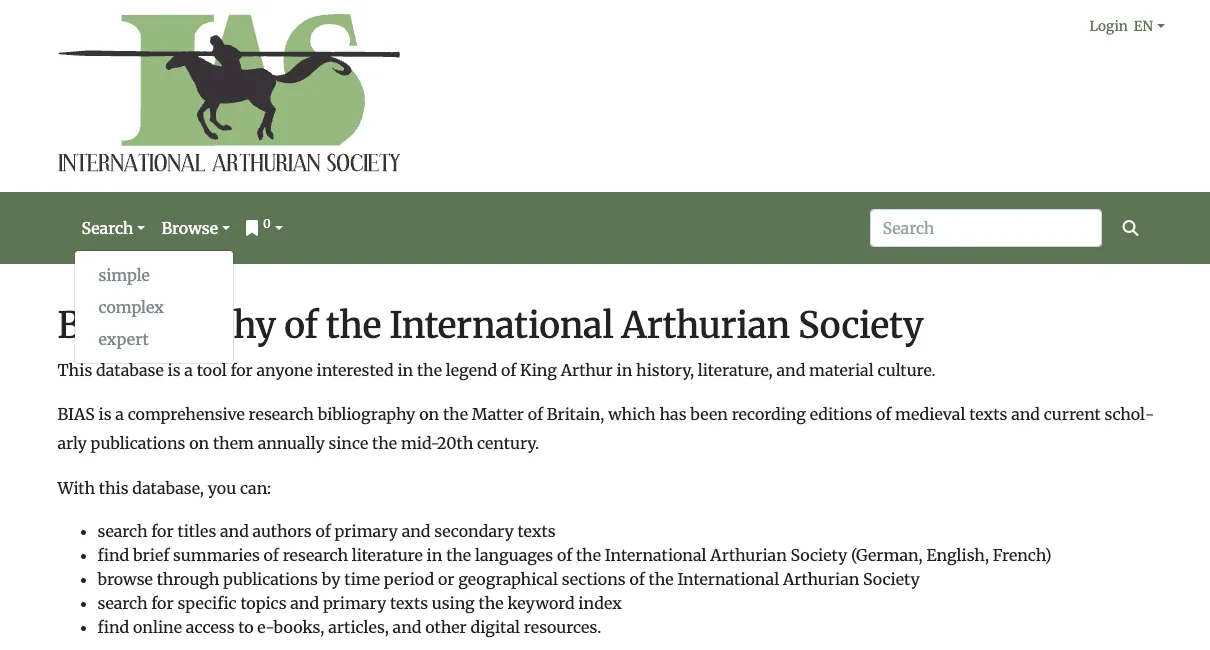
Common issues when looking at the primary user flows:
2. Accessibility Barriers
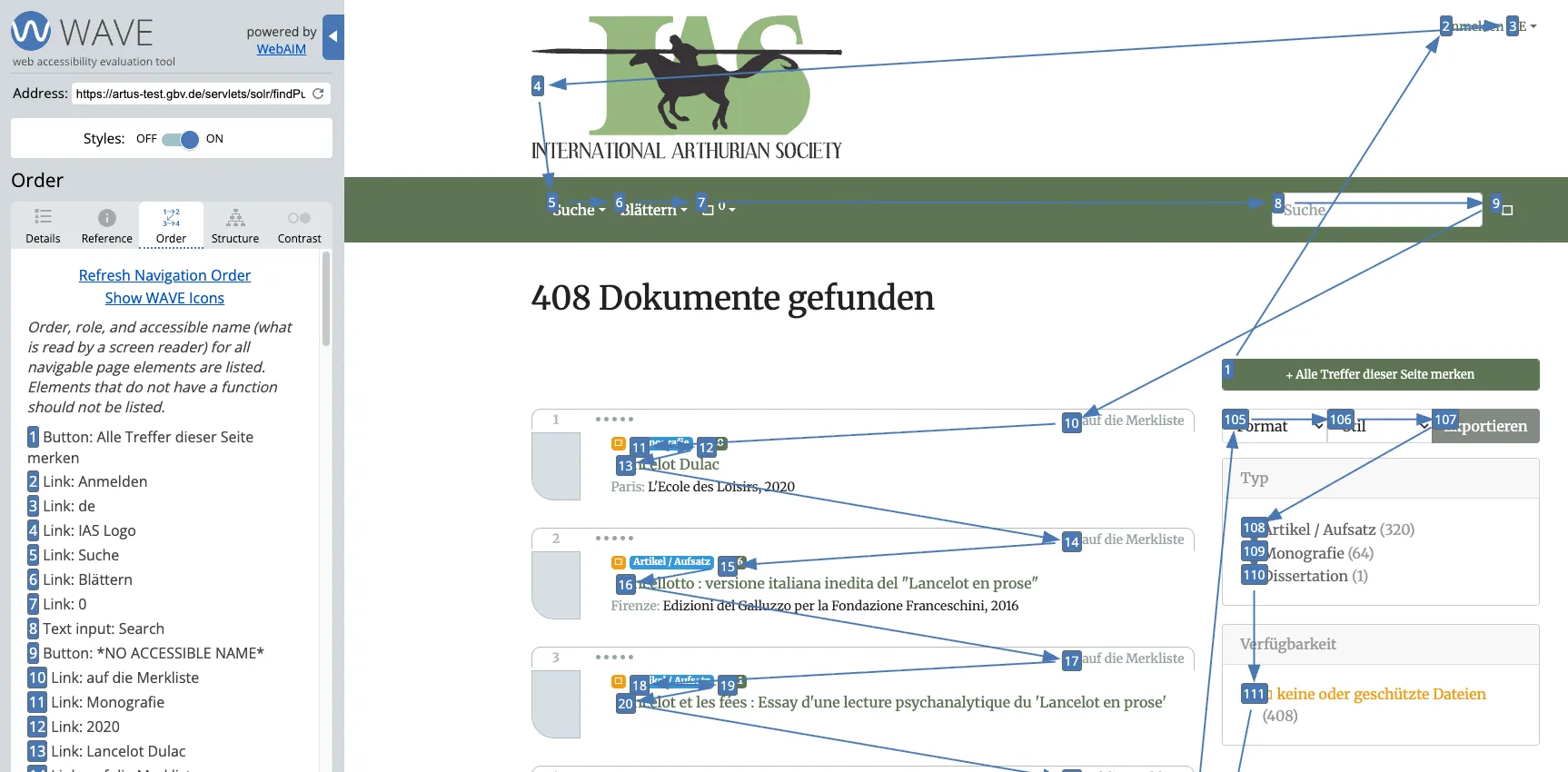
Common issues with accessibility according to WCAG 2.1 AA (legal minimum) and some additions from newer standards:
3. Component Design Issues
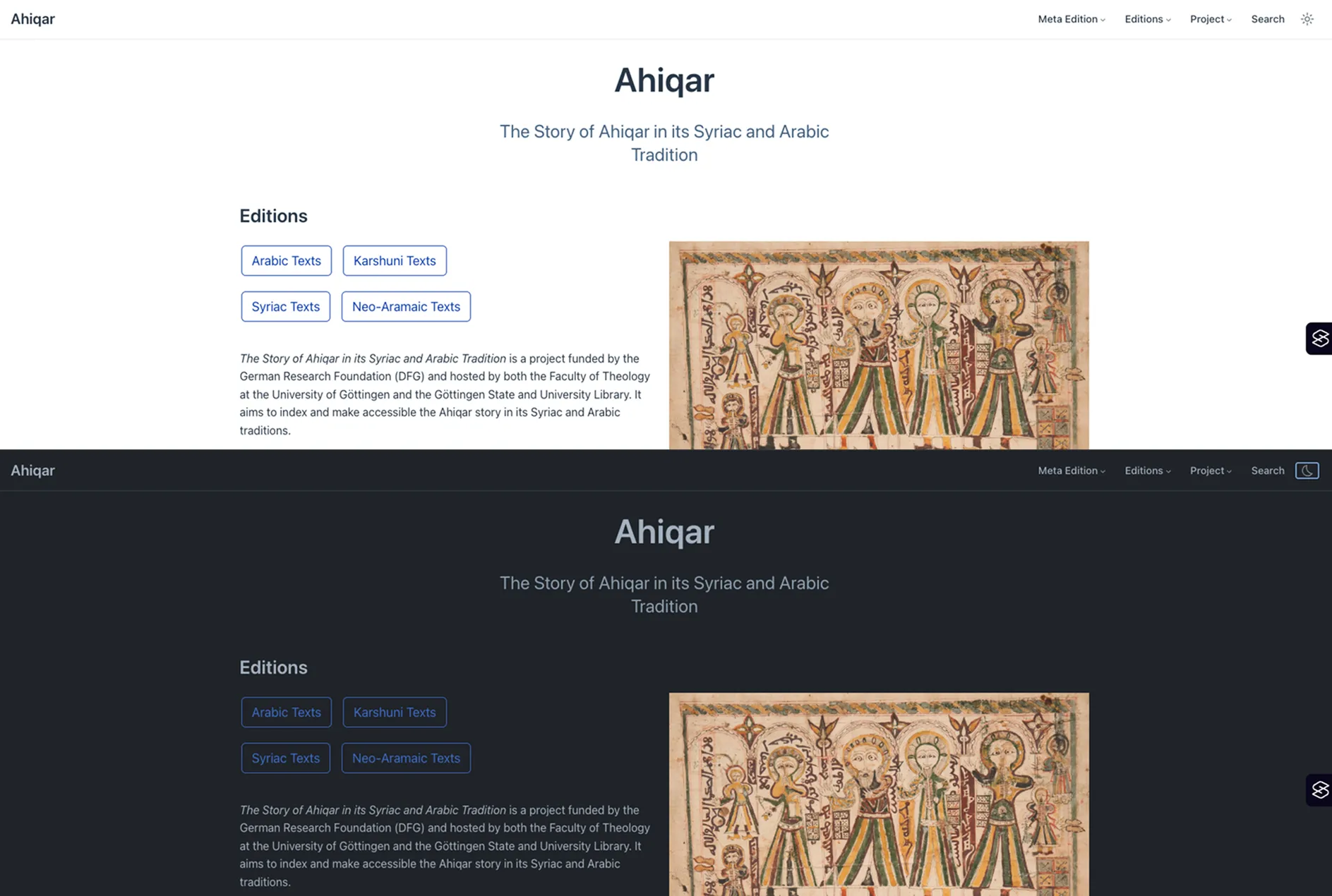
Common issues when looking at overall styling over UI and its components was a lack of design system:
Next Steps
At the time of writing, the recommendations have not yet been implemented. I will however update on the results of the audits as soon as this information is available.
In this case a PDF report was created, however, since PDFs are inaccessible by default and require so much work to make them better, I will create a Notion report template with a filter. I think this will be a better way forward.
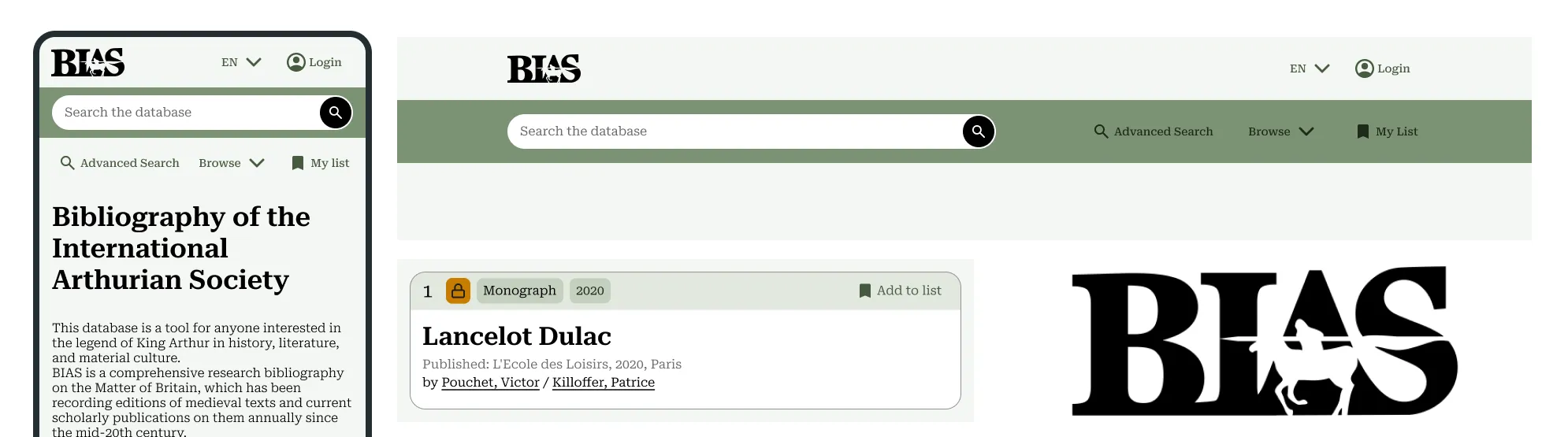
Below are some design suggestions included in the audit report for the beta version of the BIAS website. If I had the opportunity to continue on the project I would:
* Run a workshop with developers to help validate changes with:
- - Keyboard‑only testing
- - Screen reader spot checks
- - Lightweight usability testing